
Zones
Every zone arms on its own.
Bedroom, kitchen, garage — each zone has its own sensors, cameras and outputs and arms independently. Every sensor shows its state; a triggered one jumps to the top of the list with a red mark.
GARM · hub, sensors, app
The GARM hub brings wired and radio sensors, cameras, locks and sirens into one system, controlled from a free app. The house is armed — and you'll know if that changes. For apartments, houses and commercial sites. The panel below is live — tap anything.
Safety
Bedroom
Kitchen
Garage

Apple Watch shows the same. Arm, disarm and check the status from the wrist.
Zones
Bedroom, kitchen, garage — each zone has its own sensors, cameras and outputs and arms independently. Every sensor shows its state; a triggered one jumps to the top of the list with a red mark.
Cameras
Live view and an archive with event marks on the timeline, so you jump straight to the moment instead of scrubbing. Works with Ivideon cloud cameras (archive by plan), Hikvision over Wi-Fi and any RTSP camera. Recordings are stored in the cloud.
Notifications
A distinct sound for an alarm; quieter for arming, disarming, low battery and lost connection. History filtered by zone, type and person.
Scenarios
A siren on motion at night. Light when the gate opens. Scenarios are a trigger, an action and an optional time limit — nothing more to learn.
Access
One home or site, several people with different rights. The owner decides who sees which zones, which cameras they can watch and which buttons they can press. Invite someone by email or QR code right from the app.
Hub · pre-order
Wi-Fi with GSM/GPRS as backup. Wired, radio, Zigbee and IP devices in one system — including hardware from different manufacturers. Firmware updates over the air from the app. Production is starting — pre-order is open.
Sensor → Hub → Cloud → App
Pre-order the hub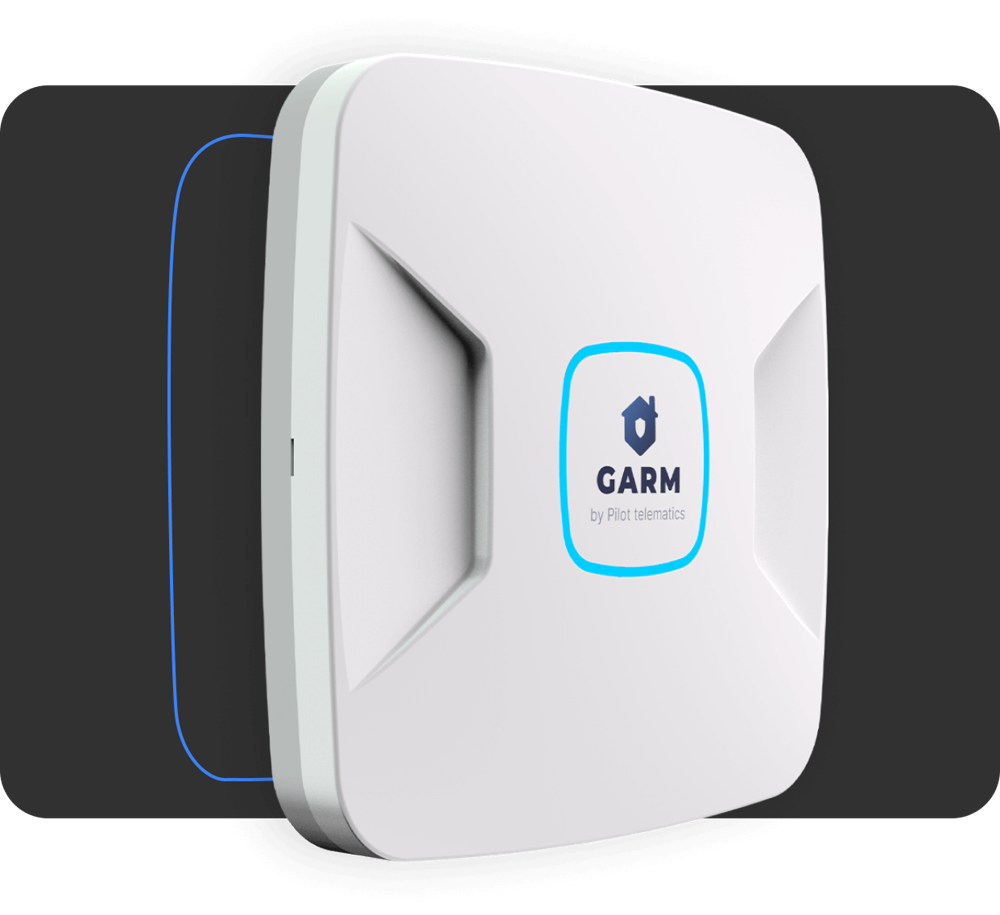
Hub · web configurator
The hub serves its own configurator: open its address on the local network and set up channels, phones, keys, sections, sensors and outputs — no app, no cloud, no installer visit.
Who it's for
Arm with one button or a key at the door, night mode for the perimeter, cameras and leak, temperature and motion sensors in one app. Family gets its own rights and keys.
Zones arm separately — sales floor, warehouse, office. Staff get iButton keys and access to only their zones; siren and lights on the hub outputs; event history filtered by person.
One hub for wired, Astra radio, Zigbee and IP cameras — hardware from different manufacturers; setup in the web configurator, firmware over the air. Want to install GARM for your clients? Choose "start business with GARM" in the form. Talk to us
No. The hub is the controller: sensors, cameras, outputs and scenarios all belong to it. The app is free; the hub is what you order.
Ivideon cloud cameras (archive depends on your Ivideon plan), Hikvision over Wi-Fi, and any RTSP stream.
The hub switches to GSM/GPRS and keeps reporting. Wired, Astra radio and Zigbee sensors keep working locally.
Yes. Roles are owner, admin and user; rights are set per zone, camera and button. Invite by email or a one-time QR code valid for 24 hours.
Yes: an iButton key at the door, a call or SMS from a registered number, or Apple Watch.
From the app, over the air. No technician visit.
Production is starting and pre-order is open — leave a request in the form below and we'll get back to you.
Wired dry-contact sensors (motion, glass break, leak, smoke, temperature), Astra radio sensors, Zigbee sensors for temperature, humidity, light, motion and door, and DS18B20 temperature sensors over 1-Wire.
The hub mounts on the wall, sensors connect following the instructions in the app and the guide (PDF); setup is done in the app or in the hub's web configurator.
Free on iPhone and Android, no subscription for the app. Works with Apple Watch. Add the hub when it arrives.
Pre-order a hub, ask about a setup for your house, or start a partnership. We reply within one business day.
Prefer chat? Telegram · info@garm24.com